Flowcharts and wiring that actually read well

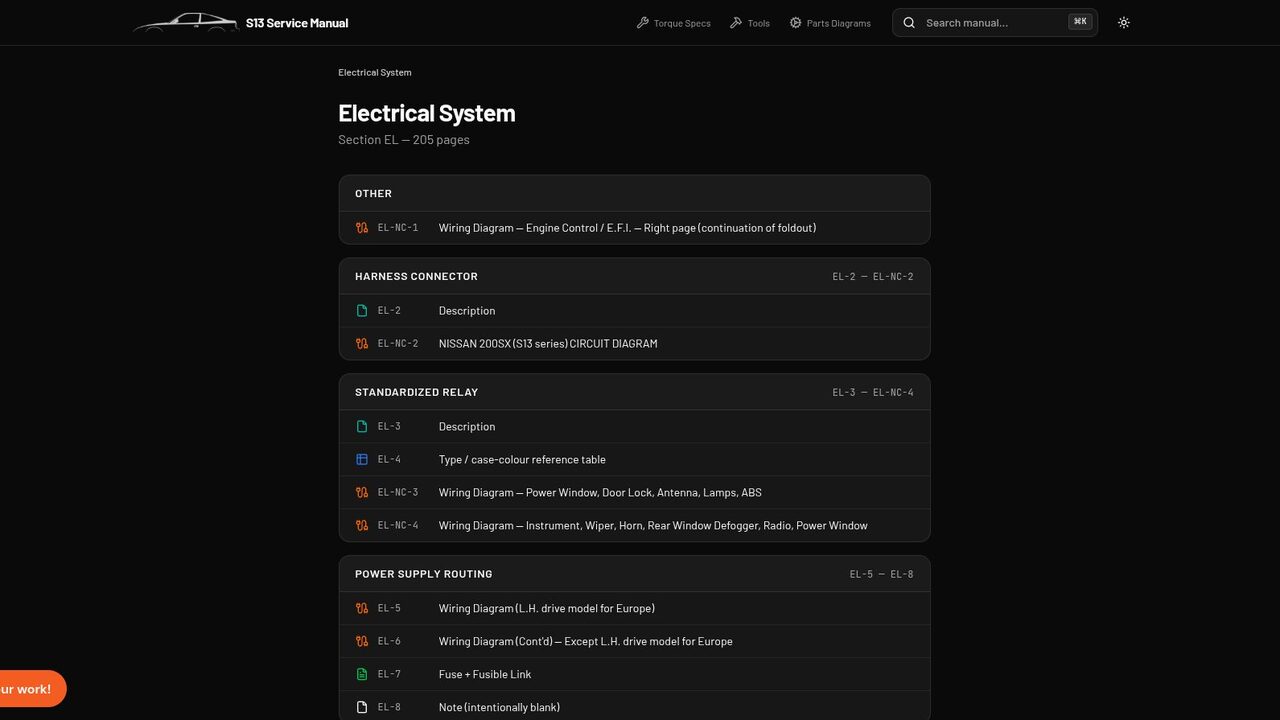
Two parts of any manual are miserable to read on a screen: diagnostic flowcharts and wiring diagrams. So they got their own renderers. One of those went well. The other is still fighting us.
Good news first. Troubleshooting trees now flow top to bottom like a proper ladder, one step leading to the next, instead of the flattened mess you get from a raw scan. On a phone, under a car, following a diagnosis from symptom to cause is genuinely pleasant now.
Wiring diagrams are the harder problem, and we are not going to pretend otherwise. We draw them as a connection list, with a graph view for the busy circuits, and it beats squinting at a blurry foldout. But it is not good enough yet. Tracing a single circuit across a big diagram on a small screen is still a pain, and that is the whole job.
| Part | State |
|---|---|
| Diagnostic flowcharts | Sorted |
| Wiring diagrams | Still on the bench |
So we are staying on it. A wiring diagram you can actually follow with a greasy thumb is exactly the sort of thing that makes garage life easier, and until it is that good, it is not done.
There is also a quieter win that helps both. Manuals point to a figure mid sentence, the “remove the bracket, see figure five” kind of aside. A new pass catches those and drops the figure right beside the step, so you are not scrolling off to hunt for it. On the E36 alone it pulled a pile of hidden diagrams into view.
Poke around the E36 electrical section and you will see both, the good and the work in progress.